





How E-Ink Displays Create Calmer, More Sustainable Digital Spaces
How E-Ink Displays Are Creating Calmer, More Sustainable Digital Spaces
Screens are now embedded in almost every part of daily life: on desks, kitchen counters, shop shelves, meeting-room doors, transit platforms, and classroom walls. Yet not every message needs the brightness, animation, power draw, and attention-grabbing behavior of a conventional display. E-Ink technology offers a quieter alternative—one that can make digital information easier to read while reducing unnecessary energy use.
Why Traditional Screens Can Make Digital Environments Feel Overwhelming
Modern LCD, OLED, and LED screens are exceptionally capable. They can play video, render vivid color, update rapidly, and stay visible in dim rooms. Those strengths are useful for entertainment, collaboration, creative work, and real-time operations. But when a screen is only needed to show a room schedule, a grocery list, a price, or a simple instruction, that same visual intensity can become unnecessary friction.
Backlit displays are designed to be noticed. Brightness, motion, saturated color, pop-up alerts, and frequent refreshes all compete for limited attention. In busy homes and workplaces, these signals can accumulate into a feeling of constant digital demand. The issue is not that screens are inherently harmful; it is that a high-stimulation screen is often used for tasks that require calm, stable communication instead.
Extended exposure to a bright display can also contribute to visual discomfort for some people, especially when viewing at close range or switching frequently between screens and physical surroundings. Glare, reflections, contrast changes, and notification-driven interruptions can make focused work feel harder than it needs to be.
A calmer digital environment does not require removing every screen. It requires choosing displays that match the pace, purpose, and importance of the information they present.
That distinction matters in shared spaces. A school hallway may need a schedule that remains readable all day. A hotel may need an elegant guest-information display. A home may benefit from a family calendar that is always visible without glowing across the room at night. In these cases, an always-on, full-color display may be more technology than the task requires.
What Makes E-Ink Displays Different
E-Ink, often called electronic paper, creates images using tiny charged pigment particles. In a simplified view, dark and light particles move within microscopic capsules or cells in response to an electrical field. Once the particles are arranged to form text or an image, the display can preserve that image without continuously powering a backlight.
This behavior is known as bistability: the screen largely uses energy when content changes, rather than while it holds a static page. Exact consumption varies by display size, controller, wireless connectivity, front lighting, and update frequency, but the basic principle makes electronic paper especially appealing for information that changes only occasionally.
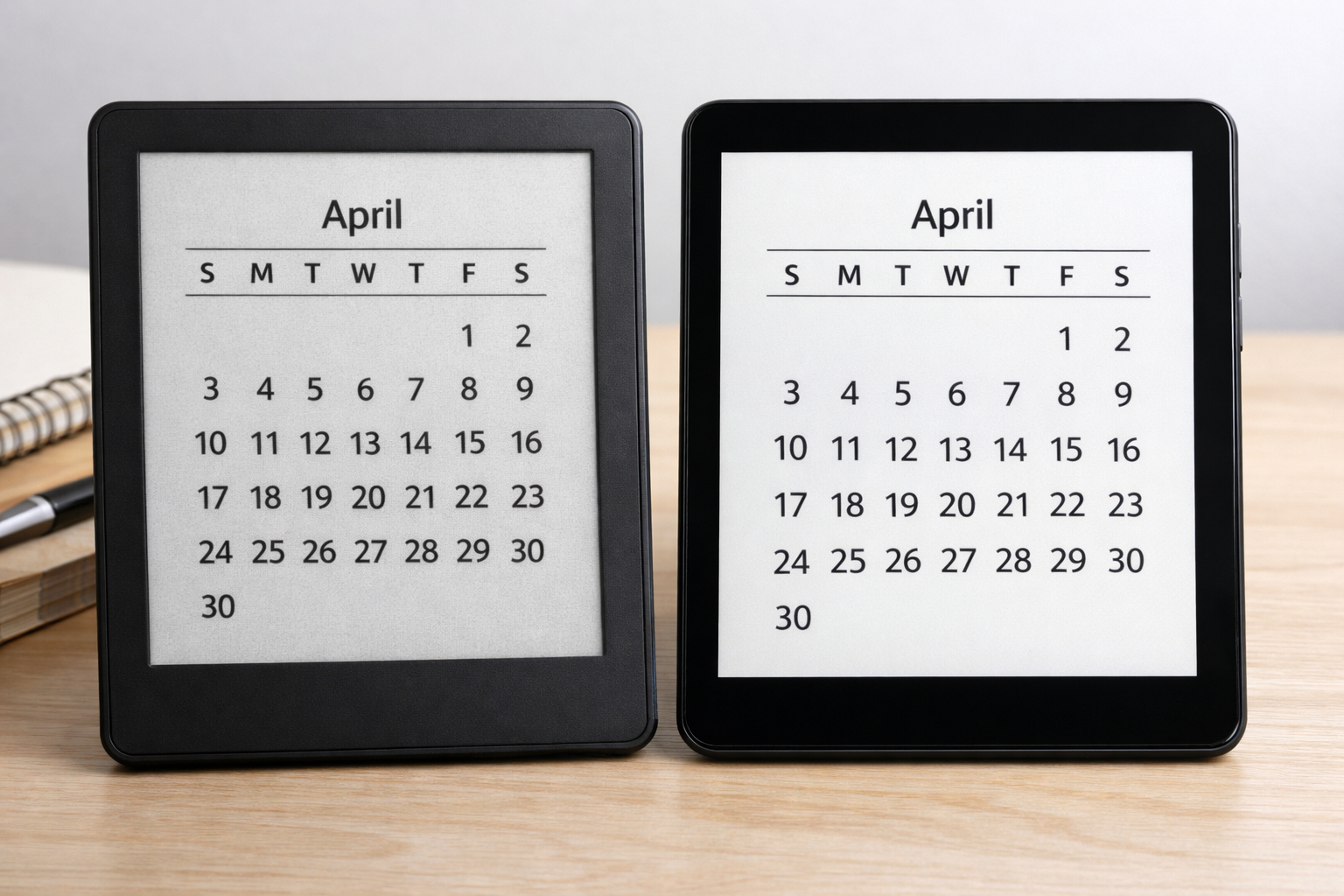
Reflective rather than constantly illuminated
Unlike a typical backlit screen, most E-Ink displays are reflective: they use ambient light much like printed paper. This produces a matte, low-glare viewing experience that is often particularly comfortable in daylight. Many devices also include a front light for darker conditions, but that lighting is optional rather than continuously central to the display’s operation.
Built for stable information
E-Ink is not intended to replace every monitor, television, or tablet. Its refresh rates are slower, color support may be limited depending on the model, and rapid animation can look imperfect. Those constraints are useful design signals. They steer E-Ink toward applications where a person benefits from seeing one clear, durable piece of information instead of an endlessly changing stream.
- Reading long-form articles, books, manuals, and reference material.
- Displaying schedules, checklists, menus, and room availability.
- Showing shelf labels, pricing, inventory status, and product details.
- Providing wayfinding, notices, queue information, and transit updates.
- Supporting personal dashboards that prioritize a few meaningful signals.
Key takeaway
Electronic paper is most valuable when it replaces an overpowered display with a screen that is readable, persistent, and intentionally limited to the job at hand.
Creating Calmer Spaces Through Intentional Screen Design
The calming effect of E-Ink is partly technical and partly behavioral. Its monochrome or muted presentation removes much of the visual urgency associated with glowing, animated interfaces. A paper-like screen can still be useful and connected, but it is less likely to dominate a room or pull attention away from a conversation, task, or moment of rest.

This is especially valuable for single-purpose interactions. Checking a task list should not require opening a device filled with messages, feeds, app badges, and competing choices. Looking at a meeting-room schedule should not mean facing a bright screen with promotional graphics. In each case, E-Ink supports a simpler interaction: look, understand, and move on.
Design information for a glance
Because electronic paper rewards stable content, it encourages teams to improve the information itself. Instead of filling every available pixel, designers must decide what people genuinely need to know. Effective E-Ink interfaces usually favor strong hierarchy, short labels, generous spacing, high contrast, and predictable layouts.
- Identify the one action or decision. A room display may answer “Is this space available?” while a household display may answer “What happens next?”
- Prioritize legibility over decoration. Use large text, clear status language, and a limited number of visual cues.
- Update only when there is something new to communicate. Avoid refreshing merely because a screen can refresh.
- Place the display where the decision occurs. A calendar belongs near the exit, while booking status belongs at the room entrance.
In this way, a calmer space is not simply less digital. It is more intentional. Information remains available without being intrusive, and technology supports the rhythm of the environment rather than setting it.
The Sustainability Advantage of Electronic Paper
The most discussed environmental benefit of E-Ink is its low operational energy demand. Since an electronic-paper display generally uses power primarily to change content, it can be a practical fit for signs and information panels that remain static for long intervals. A schedule that changes several times a day, for example, does not need the continuous power draw of a bright commercial display running around the clock.
For battery-powered devices, this can translate into weeks or months between charges, depending on the product and how it is used. For organizations managing many displays, lower power use can also reduce wiring complexity, enable more flexible placement, and lessen the maintenance burden associated with charging or servicing conventional screens.
The benefits are clearest when E-Ink replaces both an energy-intensive display and a recurring printed process. Electronic shelf labels can reduce manual price-tag changes. Digital menus can reduce frequent reprints. Reusable meeting-room panels can replace paper signs and temporary notices. These improvements are not automatic, but they are meaningful when paired with well-managed content and durable hardware.
Low energy is not the whole lifecycle story
A responsible sustainability assessment must look beyond electricity use. Every digital device requires materials, manufacturing, transport, packaging, and eventual end-of-life handling. The best choice depends on device longevity, repairability, supplier practices, battery design, software support, and whether the display is likely to be reused rather than discarded.
That is why E-Ink should be viewed as one part of a broader strategy: purchase durable products, avoid replacing functioning equipment unnecessarily, extend the useful life of devices, and establish a responsible recycling path. The goal is not to add another gadget. It is to use the least resource-intensive tool that still communicates effectively.
A practical sustainability test
Ask whether the display will stay useful for years, replace repeated printing or continuous power use, and present information that people actually need. If the answer is yes, electronic paper may be a strong fit.
Where E-Ink Is Improving Everyday Digital Experiences
Electronic paper works best in places where information must remain visible, readable, and current—but does not need video-speed updates. Its adoption is growing because these situations are more common than they first appear.
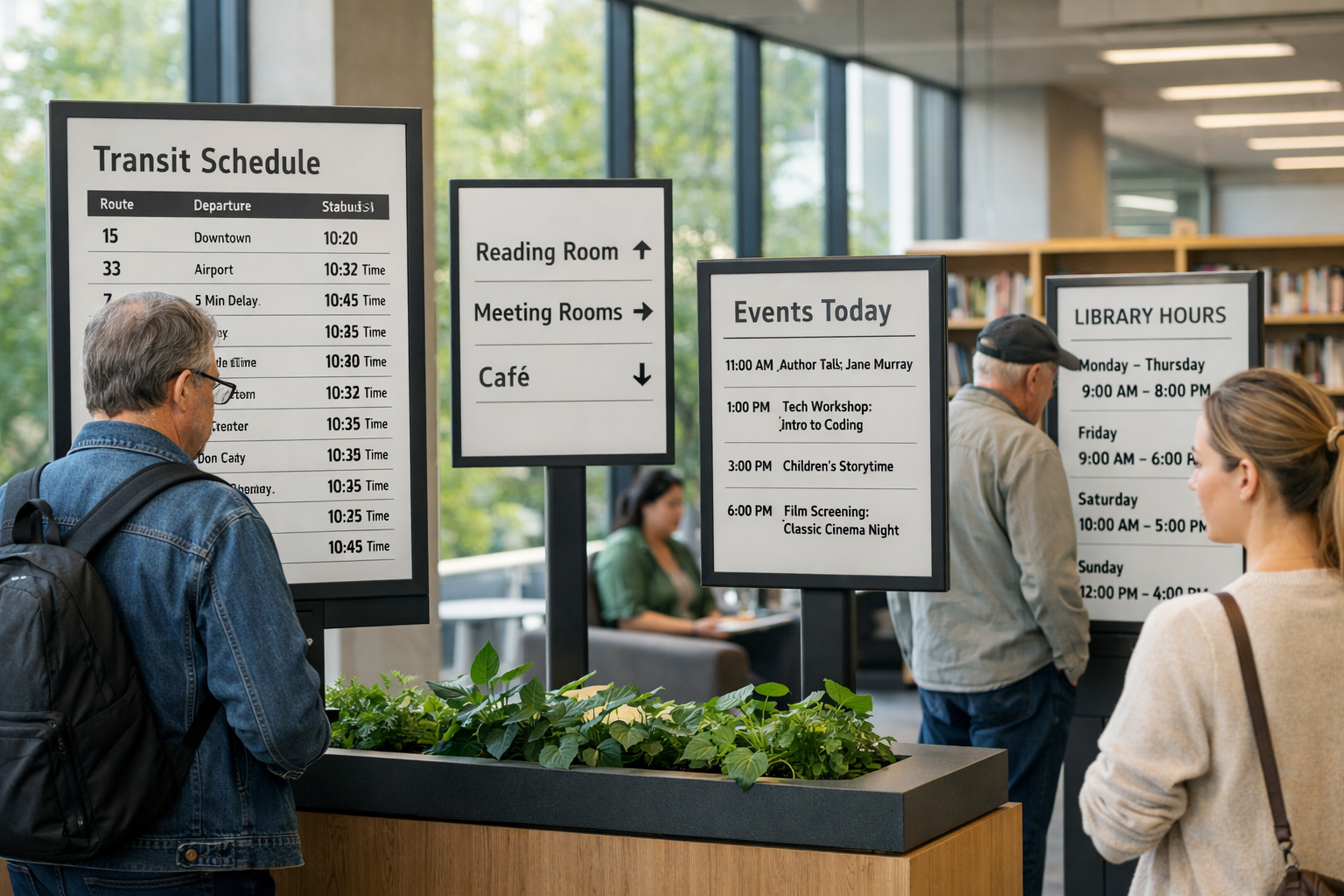
Workplaces and shared offices
At office entrances and meeting-room doors, E-Ink displays can show availability, reservations, capacity, and basic instructions without adding a bright visual interruption. On individual desks, a paper-like secondary display can hold a daily plan, a focused task list, or a reference document while leaving the primary computer screen for active work.
Retail and hospitality
Retailers use electronic shelf labels to update prices and product information centrally, reducing the labor and waste associated with frequent paper changes. Restaurants and hotels can use E-Ink for menus, table identifiers, guest details, event schedules, and directional signs. The result can feel more considered than a television-like display while remaining easier to update than print.
Schools, libraries, and public spaces
In bright ambient light, electronic paper remains highly readable. That makes it useful for library notices, classroom schedules, museum labels, public wayfinding, transit updates, and event listings. These environments often need information that is calm, durable, and accessible from a short distance—not visually spectacular.
Homes and personal routines
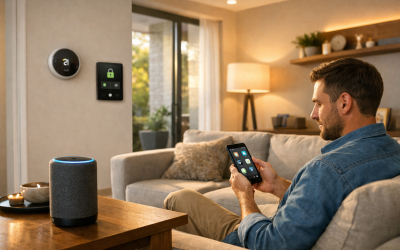
At home, E-Ink readers remain a popular example of distraction-light technology. But the use cases extend beyond reading: shared calendars, weather panels, household task boards, pantry labels, and simple smart-home status displays can all benefit from a screen that provides information without broadcasting light and motion throughout the space.
How to Choose the Right E-Ink Use Case
The strongest E-Ink projects begin with a problem, not a device. Before choosing hardware, identify the information that is currently difficult to maintain, unnecessarily bright, repeatedly printed, or too easy to overlook. Then determine whether the content is stable enough for electronic paper.
- Start with low-refresh content. Schedules, instructions, labels, statuses, menus, and dashboards are natural candidates because they remain useful between updates.
- Assess the lighting environment. E-Ink excels in bright rooms and daylight. For darker locations, consider a model with a front light and verify how it performs at the intended viewing distance.
- Accept the limitations early. Video, fast-scrolling interfaces, detailed animation, and color-critical visuals generally belong on other technologies.
- Plan content ownership. Decide who updates information, how changes are approved, what happens if connectivity fails, and how stale content will be identified.
- Measure outcomes. Track printing avoided, battery life, energy use, update time, error reduction, and user feedback about clarity and distraction.
It is also important to test real conditions. View the display in sunlight, under office lighting, from an angle, and at the distance users will actually stand. Check whether text remains readable for people with different vision needs. A beautifully designed dashboard is only successful if it helps someone understand what to do next.
The best E-Ink application is not a slower version of a tablet. It is a purpose-built information surface that feels almost as effortless as looking at paper.
A More Deliberate Relationship With Digital Information
E-Ink displays demonstrate that digital does not always have to mean bright, animated, or power-hungry. By using ambient light, preserving static content efficiently, and favoring focused interactions, electronic paper can help people create spaces that are quieter both visually and operationally.
Its greatest value lies in thoughtful substitution: use conventional displays where speed, color, and motion are essential; use electronic paper where stable information deserves a calmer and lower-energy home. That simple distinction can improve readability, reduce clutter, cut avoidable electricity demand, and make technology feel more supportive of everyday life.
Design Digital Spaces That Ask Less of People and the Planet
Look for the screens in your home, workplace, or public environment that display mostly static information. Those are often the best opportunities to replace visual noise with a clear, paper-like, low-energy alternative.
Start small: test one schedule, one status board, one menu, or one shared calendar—and measure whether it makes information easier to absorb.