







How Passkeys Make Everyday Sign-Ins Simpler and More Secure

How Passkeys Make Everyday Sign-Ins Simpler and More Secure
Passwords have been part of daily online life for so long that typing them can feel unavoidable. Yet remembering them, resetting them, and defending them from scams creates needless work. Passkeys offer a more practical path: use the secure unlock method already built into your phone or computer to sign in quickly, without repeatedly typing a secret.
What Are Passkeys?
A passkey is a passwordless credential that lets you prove you are signing in from a trusted device. Instead of creating a word, phrase, or string of characters that a website must compare with a stored password, your device uses cryptography to approve the sign-in.
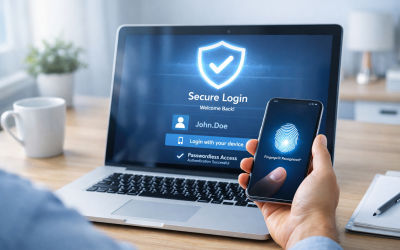
In everyday terms, the experience is simple: choose the passkey sign-in option, then confirm with Face ID, a fingerprint, a device PIN, or the screen lock you normally use. The biometric scan does not get sent to the website. It only unlocks the passkey locally on your device.
Behind the scenes, a passkey contains a matched pair of cryptographic keys. The website retains a public key, while the corresponding private key stays protected on your phone, computer, hardware security key, or supported credential manager. When you sign in, the device creates a response that the site can verify without receiving your private key.
Key takeaway
Passkeys replace a memorized secret with a secure device-based approval. You authenticate with a familiar device unlock, while the technology handles the cryptographic proof in the background.
Passkeys are based on open standards developed through the FIDO Alliance and the World Wide Web Consortium. That matters because the goal is broad compatibility: websites, apps, browsers, operating systems, and password managers can support the same basic passwordless approach rather than building isolated login methods.
A passkey is not simply a shorter password
A strong password can still be useful, especially where passkeys are not available. But a password remains a shared secret: you know it, and the service must retain information that lets it verify what you enter. A passkey changes that model. There is no password to type into a form, reuse at another site, or accidentally reveal to a convincing impostor.
Why Passwords Create Everyday Friction
The main problem with passwords is not that people do not care about security. It is that the old system asks people to make difficult choices at scale. Most of us have dozens, sometimes hundreds, of accounts spanning shopping, banking, healthcare, work, streaming, travel, and school.
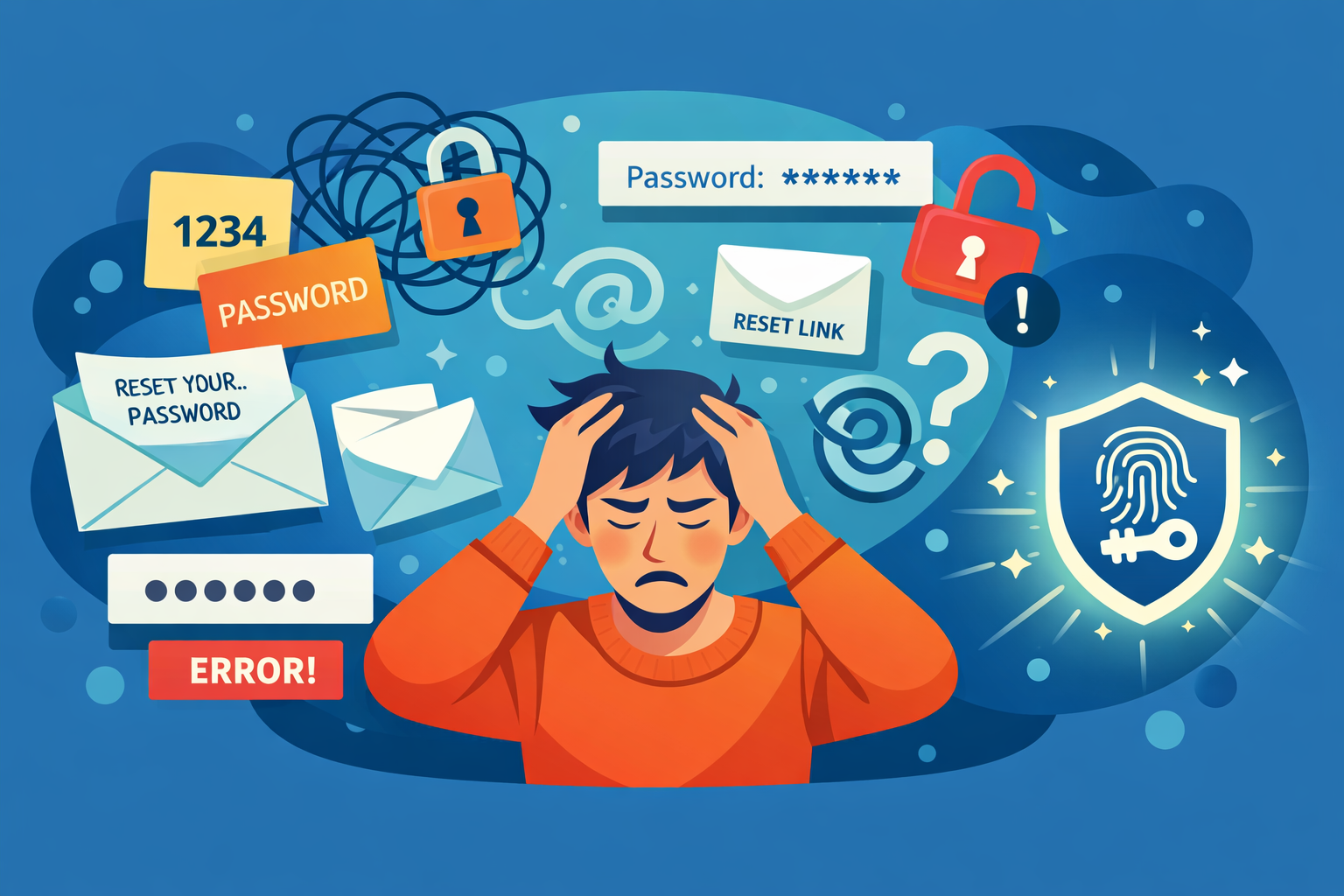
Creating a different long password for every account is the right advice, but it is inconvenient without a password manager. In response, people often reuse passwords, use small variations of a familiar password, or select patterns that are easy to guess. Those habits are understandable—and risky.
- Reset loops interrupt routine tasks. A forgotten password can mean checking email, waiting for a reset link, satisfying password rules, and signing in again on every device.
- Typing is awkward on mobile. Complex passwords are slow to enter on a small keyboard, particularly when special characters and one-time verification codes are involved.
- Reused credentials multiply breach damage. If one service is compromised, attackers may try the exposed email-and-password combination on many other popular services.
- Passwords invite social engineering. A fraudulent website, text message, or support call can persuade someone to hand over a password that looks legitimate to request.
The most secure sign-in is not only hard for an attacker to defeat; it is easy enough for legitimate people to use correctly every day.
Multi-factor authentication improves password-based login, and it remains important for accounts that do not yet support passkeys. However, codes, push prompts, and authenticator apps add another step. Passkeys aim to combine strong authentication and a low-friction experience into one familiar action: unlocking a trusted device.
How Passkeys Make Signing In Easier
For the user, the core benefit is speed. When a site supports passkeys, the sign-in flow may require only a tap or click followed by device verification. No password field to fill out. No need to recall whether the account used an older password. No copied verification code that expires before you paste it.
This is especially useful on phones, where a long password can turn a ten-second task into a frustrating interruption. A fingerprint or face check is usually faster, and it uses a gesture people already perform many times a day to unlock their devices.
Using passkeys across your devices
Passkeys can be stored and synchronized through supported device ecosystems and credential managers. Depending on your setup, a passkey created on one trusted device may become available on your other approved devices, protected by the same account security and encryption model that manages your credentials.
If you need to sign in on a nearby device that does not hold your passkey, many supported services can use a cross-device flow. Typically, you scan a QR code and approve the request with the phone that has the passkey. This can be useful when logging into a computer that is not part of your usual ecosystem.
Convenience should not be confused with carelessness. Syncing is only as trustworthy as the protection around the account doing the syncing. Use a strong device screen lock, protect your primary account with its strongest available authentication options, and keep recovery information current.
How Passkeys Improve Account Security
Passkeys are designed to address two of the most common password weaknesses: credential reuse and phishing. Because each passkey is created for a specific service, it is not a universal secret an attacker can take from one site and try elsewhere.
They are tied to the real website
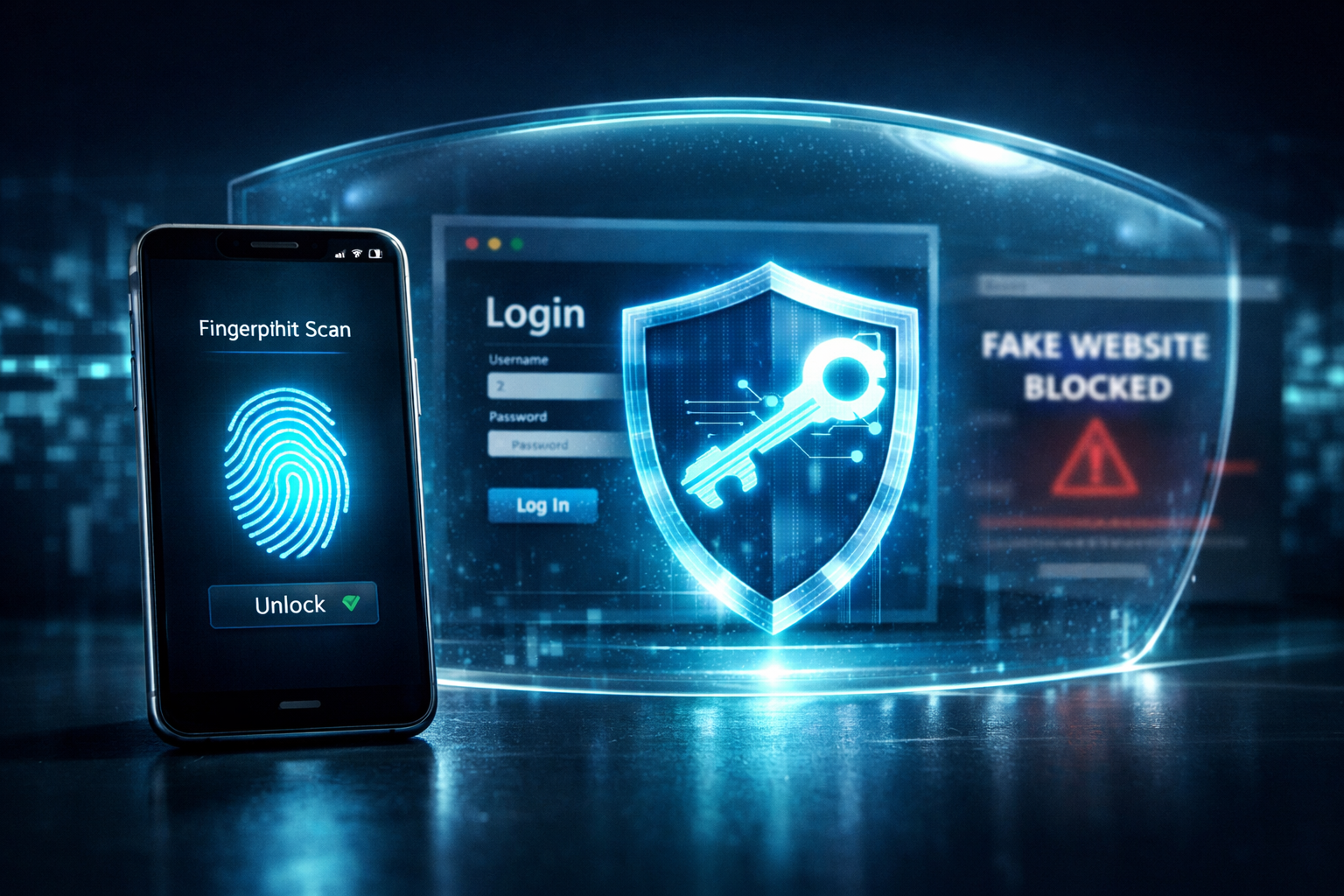
When a passkey is created, it is associated with the legitimate website domain. A passkey for one service will not authenticate you on a lookalike domain created by a scammer. This property makes passkeys phishing-resistant by design: there is no reusable password for a fake login page to capture.
This does not eliminate every online threat. Criminals can still try to trick people into approving unexpected actions, giving away recovery codes, installing malicious software, or transferring money. But passkeys remove a highly common phishing target: the password entered into a spoofed sign-in form.
The private key stays private
A service can verify a passkey sign-in using the public key it has on file. The sensitive private key is intended to remain on your device or within your credential manager’s protected environment. As a result, a breach of the website does not hand attackers a database of passwords that can be directly replayed against other accounts.
Why this changes the breach equation
With passwords, a stolen credential can often be tested on other websites. With passkeys, each account receives its own cryptographic credential, so a sign-in proof for one domain is not transferable to another.
Local verification also helps protect privacy. Your face or fingerprint is used to unlock the credential on the device; it is not sent to every website where you use a passkey. The website receives confirmation that a valid credential approved the sign-in, not a copy of your biometric data.
Getting Started With Passkeys
You do not need to convert every account in a single afternoon. Start with services you use often and where account security matters most, such as your primary email, financial accounts, shopping accounts, workplace tools, or cloud storage.
- Update your devices and browser. Install current operating system and browser updates so you have the latest passkey support and security fixes.
- Check account security settings. Look for options labelled “Passkeys,” “Passwordless sign-in,” “Sign in with your device,” or similar wording.
- Create the passkey on a trusted device. Confirm that the phone or computer has a strong PIN or password, biometric protection if available, and automatic locking enabled.
- Review where it is stored. Understand whether the passkey lives only on that device, syncs through your device ecosystem, or is saved in a password manager.
- Test before removing other methods. Sign out and sign back in on your usual devices. Keep recovery options available until you are confident the passkey setup works as expected.
Plan for device loss and account recovery
A passkey should make access easier, not leave you locked out when a device is lost, replaced, or damaged. Review the recovery methods for important accounts. That may include a recovery email address, a verified phone number, backup codes stored somewhere safe, or additional trusted devices.
Be especially cautious with recovery messages. Attackers know that account recovery is a moment when people are under pressure. Never share backup codes, approve unfamiliar sign-in prompts, or install remote-access software because an unsolicited caller claims to be helping with a passkey problem.
Passkeys Are a Practical Step Toward Passwordless Login
Passkeys do not require everyone to understand public-key cryptography. Their value is that they turn a sophisticated security model into a normal, repeatable action: unlock your own device to enter your account. For most people, that is easier than generating, storing, and carefully entering a different password for every service.
They are also useful for organizations. Fewer forgotten-password workflows can reduce support costs and employee downtime. A simpler sign-in flow can lower abandonment during customer registration and checkout. More importantly, phishing-resistant authentication gives businesses a stronger foundation than asking users to recognize every fraudulent login page.
Adoption will continue to be gradual. Some websites will still require passwords, and some workflows may retain backup authentication methods for compatibility and recovery. That does not make passkeys an all-or-nothing choice. Each account moved to a passkey is one less password to remember and one less credential that can be stolen through a fake sign-in page.
A Simpler, Safer Way to Sign In
Passkeys make everyday sign-ins more manageable by replacing typed passwords with device-based verification. They reduce reset frustration, work particularly well on mobile devices, and give every account a unique credential rather than a reusable secret.
Most importantly, passkeys help shift login security away from a system that depends on people spotting every scam. By binding credentials to legitimate websites and keeping private keys protected, they make many phishing attempts far less effective.
Ready to Leave Password Frustration Behind?
Start with one or two accounts you use most often. Enable passkeys, verify your recovery options, and experience a faster, phishing-resistant sign-in routine across your trusted devices.