






How USB-C Power Delivery Simplifies Charging for Phones, Laptops, and Everyday Devices
How USB-C Power Delivery Simplifies Charging for Every Device
One versatile charging standard can power your phone, laptop, tablet, and accessories faster, safely, and with far fewer cables. USB-C Power Delivery turns the usual drawer full of mismatched adapters into a more flexible, easier-to-manage charging system.
What Is USB-C Power Delivery?
USB-C and USB Power Delivery are closely related, but they are not the same thing. USB-C describes the small, reversible connector now found on many phones, tablets, laptops, headphones, game consoles, and accessories. USB Power Delivery, commonly shortened to USB-C PD or simply PD, is the communication standard that lets a charger and device decide how much power should flow between them.
That distinction matters. A device may have a USB-C port for data, display output, or low-power charging without necessarily supporting every Power Delivery capability. When both the charger and device support PD, they exchange information before higher-power charging begins. The device identifies the power levels it can accept, and the charger offers an appropriate supported level.
Older USB charging connections were built primarily for small electronics. USB-C PD expands the range dramatically, allowing one standard to serve tiny accessories as well as many modern computers. Instead of treating every product category as a separate charging ecosystem, PD creates a common language for power.
Think of USB-C as the shape of the plug and Power Delivery as the conversation that happens after the plug is connected. The connector gets power from A to B; PD helps ensure it arrives at a safe, useful level.
In practical terms, that means a compact charger can provide a modest amount of power to wireless earbuds, a larger amount to a phone, and substantially more to a laptop. The charger does not simply push its maximum rating into everything attached to it. A 100W-capable charger can still charge a lower-power phone normally because the phone requests only the profile it supports.
Key takeaway
USB-C PD is an intelligent charging protocol, not just a different plug. Its value comes from automatic power negotiation, which makes a single well-chosen charger useful across many types of devices.
Why One USB-C PD Charger Can Replace Several Chargers
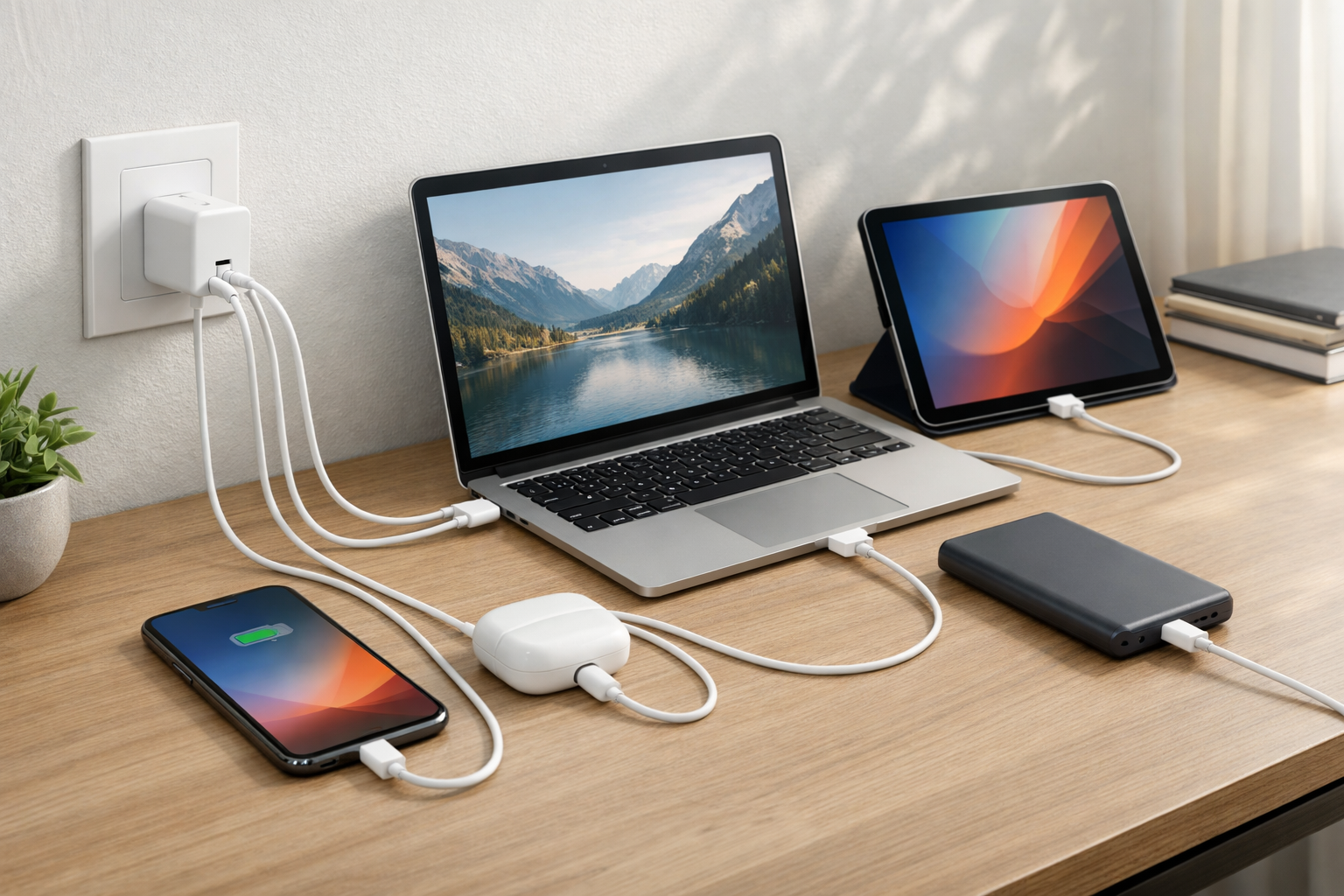
The most immediate benefit of USB-C PD is consolidation. Rather than carrying a proprietary laptop brick, a separate tablet adapter, a phone charger, and a handful of low-power USB adapters, many households can rely on one quality PD charger and a small set of suitable cables.
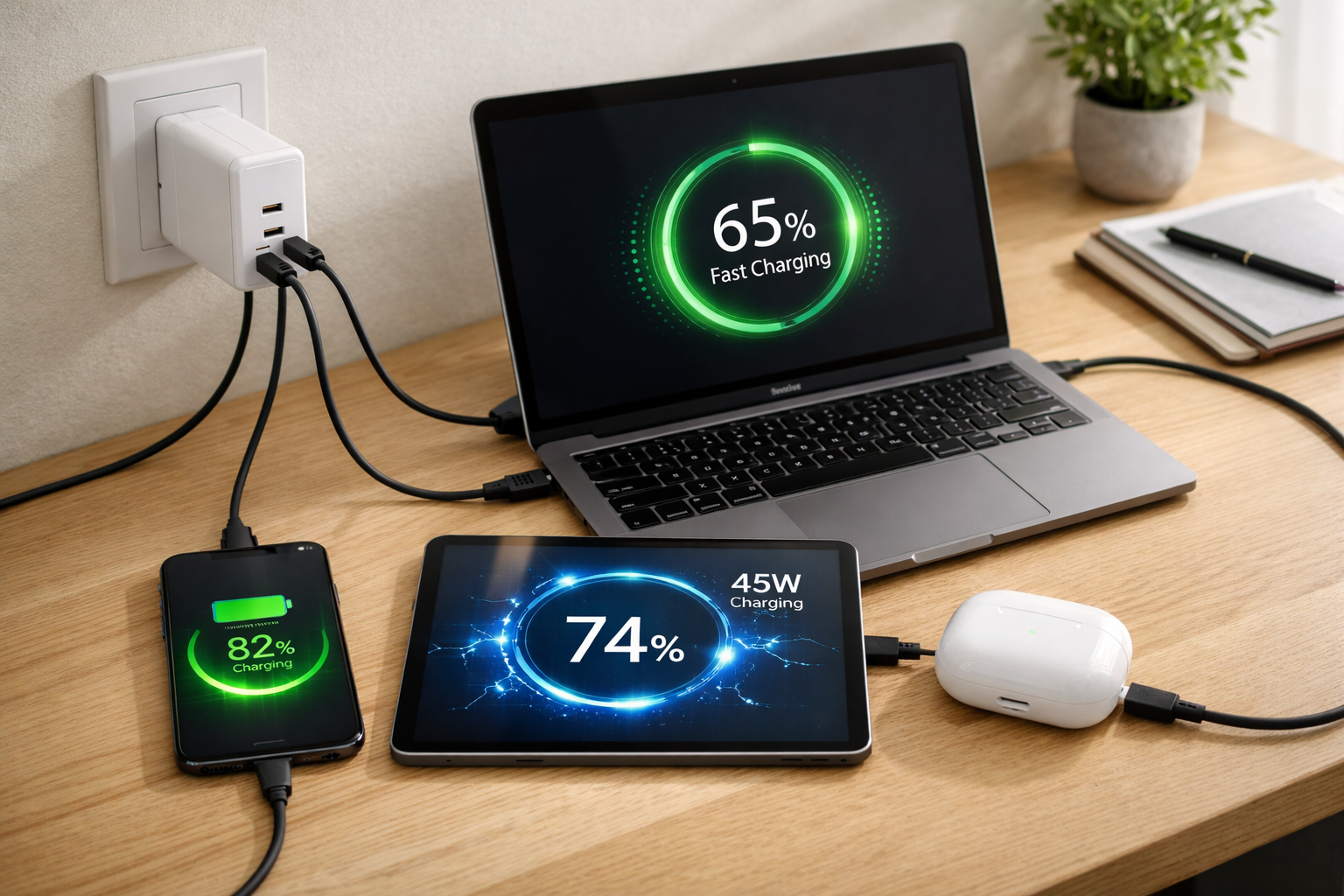
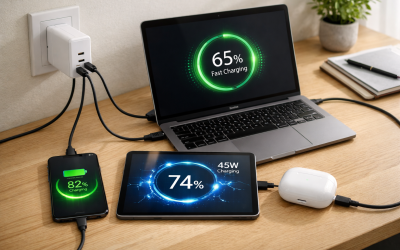
A charger with enough output for your highest-demand device can generally handle smaller USB-C devices too. For example, a 65W charger that meets a laptop’s requirements can also charge a compatible phone, tablet, portable battery, e-reader, or handheld gaming device. It will not necessarily charge every device at its absolute maximum speed, but it can cover a surprising number of everyday needs.
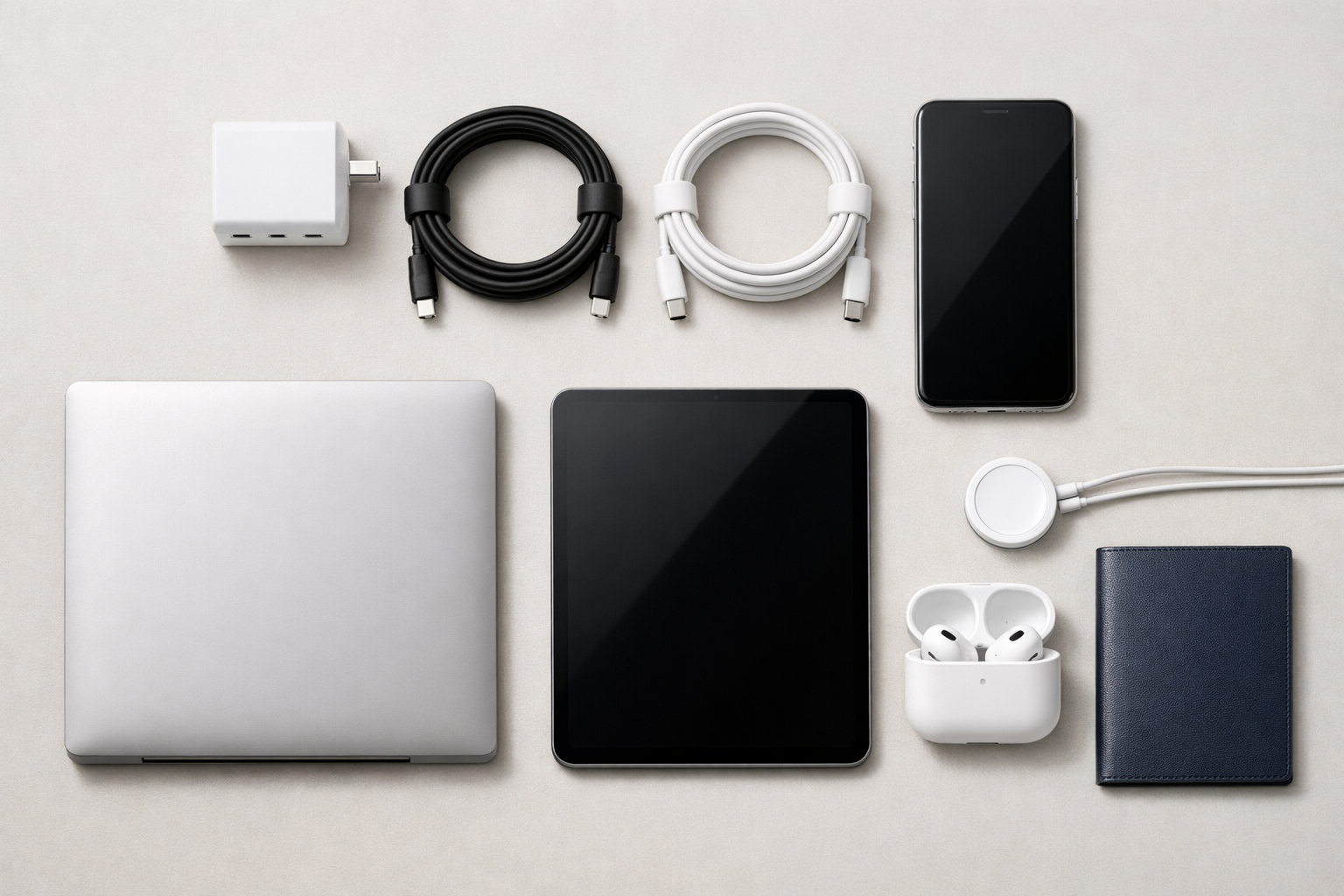
A simpler desk, bag, and travel kit
Fewer adapters have a practical effect beyond visual tidiness. You spend less time identifying the right brick, fewer outlets are occupied, and it becomes easier to maintain dependable charging locations at a desk, beside the bed, or in a travel bag. For frequent travelers, a single multi-port charger can be especially useful when hotel rooms offer limited outlets.
- At your desk: use one higher-output charger for a laptop and phone rather than separate wall adapters.
- At home: keep a shared charging station with clearly rated USB-C cables for the devices your household uses most.
- On the road: pack one compact PD charger with the output and port count you actually need, rather than several single-purpose bricks.
- For backups: standardize on a second reliable charger instead of accumulating miscellaneous adapters with unknown capabilities.
The multi-port detail to understand
Multi-port chargers add convenience, but their advertised wattage is usually a total power budget. A 100W three-port charger may be able to provide 100W to one device when it is used alone, then divide power among a laptop, phone, and tablet when all three are connected. The exact split varies by model and port arrangement.
Check the manufacturer’s power distribution chart before buying. It should show what each port can deliver alone and what happens when two or more ports are active. This small step prevents a common surprise: a laptop that charged quickly by itself may charge more slowly when another device is plugged in.
Fast Charging Without Guesswork
Fast charging is often discussed as if it depends on only the charger’s largest wattage number. In reality, charging speed is determined by the entire chain: the device’s own charging design, the charger’s supported PD profiles, the cable’s rating, battery temperature, and current battery level.
USB-C PD reduces the guesswork because compatible equipment negotiates an appropriate power level automatically. A compatible phone or tablet can request more power than it would receive from a basic USB port. A laptop can request the level it needs to charge its battery while operating. In each case, the device remains in control of what it accepts.
Laptop charging depends on the laptop
Many thin-and-light laptops work well with 45W, 65W, or 100W USB-C PD chargers. The correct target is the wattage your computer requires or recommends, not the wattage that sounds most impressive. If your laptop includes a 65W adapter, a 65W or higher PD charger is generally the sensible baseline. A lower-output charger may still work when the laptop is asleep or lightly used, but it may charge slowly, show a warning, or fail to keep up during demanding work.
High-performance laptops can have more demanding requirements. Some accept USB-C charging but need well over 100W for full performance, while others use proprietary charging for their highest-power modes. Always consult the computer manufacturer’s specifications before replacing the original charger.
Why charging slows near full
A rapid start does not mean a battery should remain at peak speed from zero to 100 percent. Most modern devices intentionally reduce input power as the battery fills or gets warm. This protects battery health and controls heat. Therefore, a slower final portion of a charge is usually normal behavior, not proof that the charger has failed.
Fast-charging checklist
Use a PD-capable charger, a cable rated for the needed power, and a device that supports PD fast charging. Then let the device manage its own charging curve—especially when the battery is warm or nearing full.
Understanding USB-C PD Wattage and Cable Requirements
Choosing a charger starts with your highest-power device. Buying too little power can limit laptop charging; buying more power than a small phone needs is not dangerous, but it may be unnecessary unless you also want to support a computer or multiple connected devices.

| Typical charger range | Well suited for | What to consider |
|---|---|---|
| 20W to 30W | Phones, small tablets, power banks, earbuds, and accessories | Compact and convenient, but generally not enough for most laptops. |
| 45W to 65W | Tablets and many thin-and-light laptops, plus phones | A flexible everyday choice for a single laptop and smaller devices. |
| 100W and above | Higher-demand laptops and multi-device charging | Confirm laptop support, port distribution, and cable rating before purchase. |
The cable is part of the charging system
Not all USB-C cables are built for the same job. Some are intended for lower-power charging or basic data transfer; others are designed to carry higher wattage and may include identification electronics that communicate their capabilities. A cable can physically fit your devices while still becoming the weak link in charging performance.
For higher-power laptop charging, use a quality USB-C to USB-C cable explicitly rated for the wattage you need. Avoid relying on a cable’s appearance alone—thicker does not always mean better, and bundled cables are not automatically rated for every charger. Reputable manufacturers state charging capability clearly and provide relevant certification information.
- Find the wattage required by your laptop or highest-demand device.
- Select a PD charger that meets or exceeds that requirement.
- Choose a USB-C to USB-C cable rated for that power level.
- If using multiple ports, verify the charger’s shared-power behavior.
- Replace cables that are frayed, loose, unusually hot, or unreliable.
A higher-wattage PD charger is not inherently “too powerful” for a phone. With compliant equipment, the phone requests the power it can use; the charger’s larger rating simply means it has more available capacity.
USB-C PD Makes Charging Safer and More Efficient
Power Delivery is designed around negotiation. Before high-power charging begins, the charger and device communicate to establish a mutually supported voltage and current profile. This is a meaningful improvement over the assumption that every connected device should receive the same limited output.
That intelligence does not eliminate the importance of buying good equipment. Safety depends on the entire setup: a properly designed charger, a capable cable, an undamaged device port, and sensible use. Chargers and cables from reputable makers are more likely to have clear specifications, robust heat management, and appropriate protections.
Habits that protect your equipment
- Use chargers and cables with clear power ratings and credible safety information.
- Do not continue using cables with exposed wire, bent connectors, or intermittent charging behavior.
- Keep chargers ventilated; avoid covering them with bedding, clothing, or other insulating materials.
- Disconnect a charger that becomes excessively hot, emits an odor, or behaves unpredictably.
- Be cautious with ultra-low-cost adapters that make vague claims about wattage or compatibility.
Consolidating chargers can also reduce accessory waste over time. A reliable PD charger is not a reason to discard a working adapter immediately, but it can reduce the number of new single-purpose bricks you purchase. Standardizing cables and chargers makes replacements easier to identify and allows one durable setup to remain useful as devices change.
How to Build a Simple USB-C Charging Setup
The best setup is not necessarily the one with the highest wattage or the largest number of ports. It is the one that reliably supports your real routine. Start by listing the devices you charge most often, then identify the one with the greatest power requirement—usually a laptop.
A practical setup for most people
For many users, a trusted 65W USB-C PD charger and two durable USB-C to USB-C cables create an excellent foundation. Keep one cable in a bag and one at your primary charging location. If you frequently charge a laptop and phone at the same time, consider a multi-port charger with enough total capacity to support both without reducing the laptop below a useful charging level.
Before purchasing, confirm that every intended device can charge through USB-C. Some older laptops use dedicated barrel connectors, and some accessories may require a proprietary cable or charging puck. USB-C is broadly useful, but compatibility should be verified rather than assumed.
Build from the top down
Size your charger for the most demanding device, choose cables that match it, and let PD scale down automatically for phones, tablets, and accessories. This approach avoids both underpowered laptop charging and unnecessary clutter.
Simplify Your Charging Routine With USB-C PD
USB-C Power Delivery makes everyday charging easier because it replaces the one-device, one-adapter mindset with a more adaptable system. Choose a reliable charger with enough capacity for your laptop, pair it with quality cables, and check multi-port power sharing before you buy.
The next practical step: review the wattage printed on your laptop’s existing adapter, then use that number as the baseline for a USB-C PD charger that can serve the rest of your devices too.