








How Wi‑Fi 7 Makes High-Speed Home Connectivity More Reliable for Every Device
How Wi‑Fi 7 Makes High-Speed Home Connectivity More Reliable for Every Device
A fast internet plan is only part of a good connected-home experience. When several people are streaming, working, gaming, backing up photos, and using smart devices at the same time, the wireless network inside the house becomes just as important. Wi‑Fi 7 is designed for that reality: it adds capacity, improves responsiveness, and gives compatible devices more flexible ways to stay connected when the network gets busy.
Why Today’s Homes Need More Than Basic Wi‑Fi
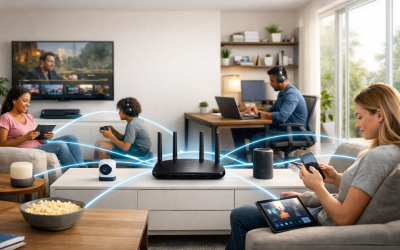
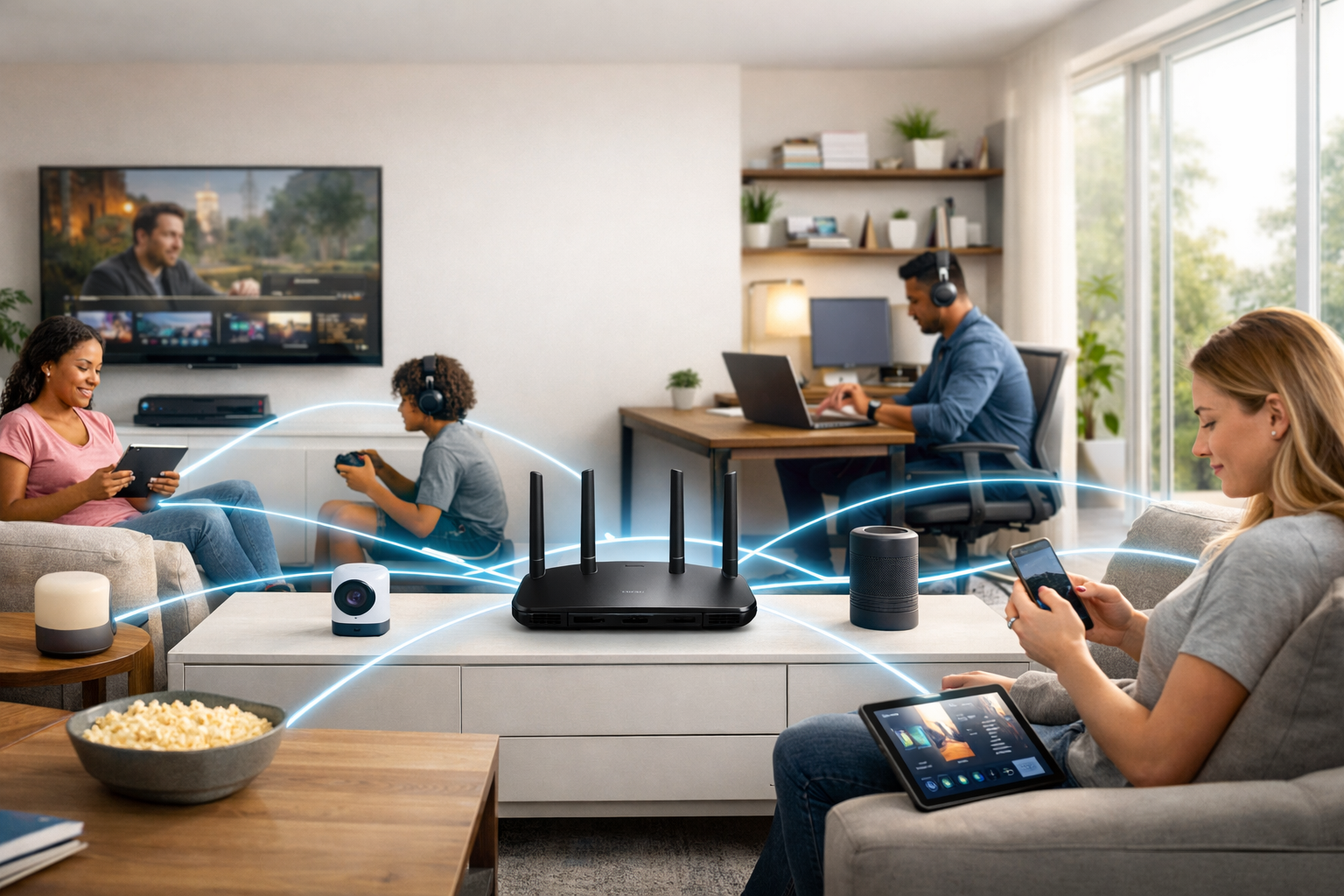
The typical home network no longer serves one desktop computer and a few phones. It may support multiple laptops, tablets, smart TVs, game consoles, doorbells, cameras, speakers, thermostats, lights, appliances, watches, and voice assistants. Each device may use only a small amount of bandwidth at a given moment, but the collective demand can be substantial—and it is often unpredictable.
Consider an ordinary evening: one person joins a video meeting, another watches a 4K movie, a console downloads an update, phones sync photos to the cloud, and security cameras upload clips in the background. Older wireless equipment can struggle not because the internet connection is necessarily slow, but because devices are competing for limited wireless airtime. The results are familiar: video quality drops, gaming feels delayed, calls stutter, and pages take too long to load.

Reliability therefore means more than a headline speed result. A reliable network should provide useful coverage where people actually work and relax, respond quickly to real-time traffic, and remain steady while many clients are active. Wi‑Fi 7, formally known as IEEE 802.11be, was built around these increasingly crowded, device-dense conditions.
Key takeaway
High-speed home connectivity is a shared resource. Wi‑Fi 7 focuses on making that resource more efficient, so one demanding activity is less likely to disrupt everyone else online.
The Wi‑Fi 7 Features That Improve Reliability
Wi‑Fi 7 does not rely on one breakthrough alone. Its benefit comes from several improvements that work together to move more data, manage congestion more intelligently, and reduce avoidable delays. Exact support varies by router, region, and client device, but these are the core capabilities worth understanding.
Multi-Link Operation
Compatible devices can use more than one wireless band or channel, creating a more flexible connection instead of depending on a single path.
320 MHz Channels
Where the 6 GHz band is available, wider channels can provide considerably more room for high-throughput traffic.
4K QAM
More data can be packed into each wireless signal under favorable conditions, increasing potential peak throughput.
Smarter Spectrum Use
Enhanced channel handling helps equipment make more productive use of available wireless spectrum in busy environments.
Multi-Link Operation: More Than One Route for Data
Multi-Link Operation, often shortened to MLO, is one of Wi‑Fi 7’s most meaningful reliability features. Traditional Wi‑Fi connections generally associate a device with one band or channel at a time. MLO allows a compatible router and client to coordinate traffic across multiple links, such as 5 GHz and 6 GHz.
That flexibility can help in several ways. Traffic may be distributed across links to improve throughput, or data can use the path with better current conditions. If one band is experiencing interference or contention, the network has an alternative route available rather than forcing all traffic through the congested connection. It is not a guarantee of zero lag, but it is a practical improvement for homes where wireless conditions change throughout the day.
More Capacity Where It Counts
Wi‑Fi 7 can use channels as wide as 320 MHz, double the maximum width commonly associated with Wi‑Fi 6E. Wider channels are most relevant in the 6 GHz band, which offers newer, cleaner spectrum in regions where it is enabled. More channel width is similar to opening additional lanes on a road: it gives high-demand traffic more room to move.
Wi‑Fi 7 also supports 4K Quadrature Amplitude Modulation, or 4K QAM. In suitable signal conditions, this lets devices encode more information into each transmission. The practical value is not simply a larger number on a product box. It is the ability to complete large transfers more efficiently and leave more wireless airtime available for other devices.
Wi‑Fi 7 is most useful when you think of it as a capacity and consistency upgrade—not merely a faster version of Wi‑Fi. The difference becomes clearer as simultaneous activity increases.
Better Performance for Streaming, Gaming, Work, and Smart Devices
Every kind of connected activity has a different sensitivity to network conditions. A movie can buffer ahead, for example, while a video call or competitive game needs quick, predictable responses. Wi‑Fi 7 is designed to help the network serve both types of traffic more gracefully when the household is active.

Streaming without the household slowdown
High-resolution streaming places sustained demand on a network, especially when several screens are active. Extra spectrum, wider channels, and improved efficiency can help multiple TVs, tablets, and phones stream at once with fewer quality reductions or pauses. This is particularly valuable for households that use 4K content regularly and may become more important as higher-resolution formats become common.
More responsive gaming and video calls
Gaming, voice chat, and video conferencing care about latency—the time it takes for data to travel across the network—and consistency. A connection can have impressive download speed but still feel poor if packets wait behind bursts of other traffic. Wi‑Fi 7’s better scheduling options and MLO can reduce congestion-related delays for compatible devices, supporting smoother conversations and more responsive play.
A stronger foundation for remote work and learning
Remote work often combines video meetings, cloud documents, large uploads, virtual desktops, and collaboration tools. In many homes, these tasks run alongside entertainment and smart-home traffic. A capable Wi‑Fi 7 network can handle more simultaneous upload and download activity without making every device feel as though it must wait its turn.
Smart devices benefit differently. A thermostat or light switch does not need huge throughput, but cameras, doorbells, hubs, speakers, and sensors all add background network activity. Greater overall capacity helps ensure that a busy phone, laptop, or TV session does not interfere with the responsiveness of the devices that quietly run the home.
How Wi‑Fi 7 Handles Multiple Devices at Once
Wireless networking is shared by design. Devices connected to the same access point must coordinate their transmissions, so a crowded network can become inefficient even if its internet plan is fast. Wi‑Fi 7 is built for high-density use, where many clients may be requesting service at nearly the same time.
Broader channel options and more efficient scheduling reduce the chances that a handful of bandwidth-intensive tasks monopolize the network. MLO adds further resilience for compatible clients by giving traffic multiple potential paths. Instead of treating a busy channel as the only available route, a Wi‑Fi 7 device may be able to make better use of another band or link.
- New Wi‑Fi 7 clients can take advantage of features such as Multi-Link Operation when supported by both device and router.
- Older phones, laptops, and smart devices can still connect to a Wi‑Fi 7 router through backward-compatible Wi‑Fi standards.
- The entire household may benefit from a newer router’s processing power, radio design, capacity, and improved traffic management, even if not every device is Wi‑Fi 7 capable.
Coverage still matters. Larger or multi-story homes may need more than one access point. A Wi‑Fi 7 mesh system can extend service into bedrooms, basements, garages, and patio areas by placing nodes closer to where devices are used. A strong connection near the router is helpful; a strong connection across the home is what makes the network feel dependable.
Compatibility matters
Wi‑Fi 7 routers work with earlier Wi‑Fi generations, but the full feature set requires compatible client devices. Upgrade value grows naturally as you replace phones, laptops, tablets, and other hardware over time.
What You Need to Get the Most From Wi‑Fi 7
Buying a Wi‑Fi 7 router is a good first step, but network results depend on the complete setup. Your internet service, home layout, placement, device capabilities, and software maintenance all influence daily performance. Use the following approach to turn new hardware into a meaningful reliability upgrade.
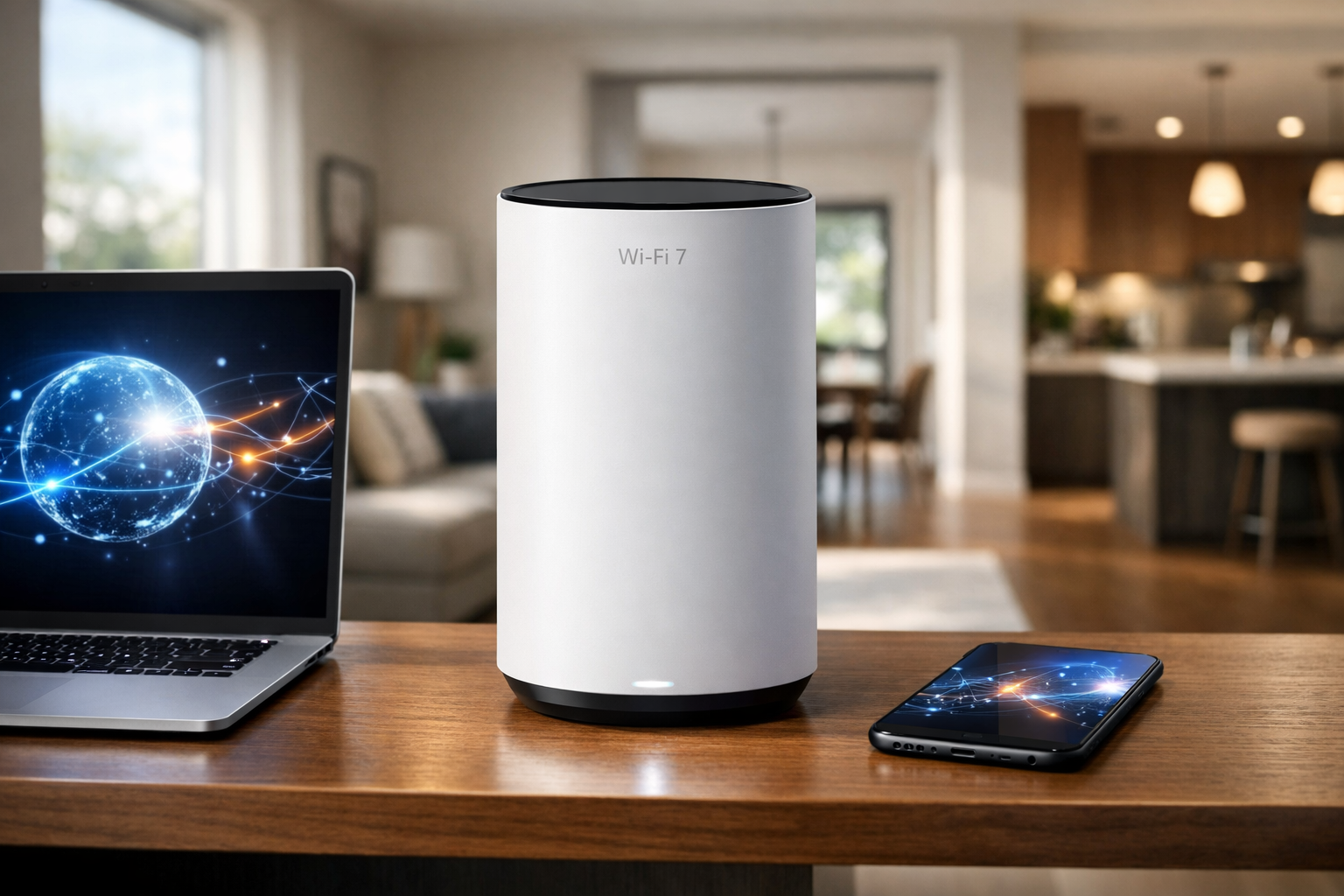
- Choose the right router or mesh system. Match coverage to your home’s size and construction. A single powerful router may work well in a compact, open layout, while a mesh system can be more effective in long, multi-level, or wall-heavy homes.
- Check your device mix. Look for Wi‑Fi 7 support on the laptops, phones, tablets, and desktops that handle your most demanding work. Older devices remain usable, but compatible ones receive the most direct benefit.
- Use 6 GHz when it is supported. This band can offer cleaner spectrum and access to wide channels. However, its shorter-range characteristics mean placement and mesh-node design are especially important.
- Place networking gear in the open. Put the main router in a central, elevated location rather than inside a cabinet, behind a TV, or in a far corner. Keep it away from dense masonry, large metal surfaces, and interference sources where possible.
- Match Wi‑Fi capacity to your broadband plan. Wi‑Fi 7 improves the wireless link inside your home, but it cannot make an incoming internet service faster than the plan itself. For multi-gig internet, also inspect the router’s Ethernet port speeds.
- Keep firmware and security current. Router updates can improve stability, compatibility, and security. Use modern encryption settings, a strong unique administrator password, and a separate guest or IoT network when appropriate.
Real-world speed and latency vary with distance, walls, interference, router configuration, service-provider performance, and client-device support. The goal is not a single maximum speed test; it is consistently good performance in the places and moments that matter.
Is Wi‑Fi 7 Worth It for Your Home?
Wi‑Fi 7 is especially compelling for households with gigabit-class or faster internet, lots of simultaneous users, frequent 4K streaming, serious gaming, remote work, or extensive smart-home systems. In those environments, the improvement in capacity and responsiveness can be easier to notice than a small increase in isolated speed-test results.
It is also a sensible future-ready choice if you are replacing an older router now and expect to keep it for several years. More Wi‑Fi 7 client devices will enter the home over the life of the router, allowing the network to make better use of its capabilities over time.
For a household with modest broadband and mostly older devices, a Wi‑Fi 7 upgrade may not be urgent. Yet a well-designed newer router can still improve coverage and overall stability. Before deciding, compare practical specifications: coverage expectations, mesh expandability, wired Ethernet ports, security controls, software support, and regional availability of the bands you intend to use.
A More Dependable Connected Home
Wi‑Fi 7 brings together wider wireless channels, more efficient data transmission, improved spectrum management, and Multi-Link Operation to make busy home networks feel less congested and more responsive. Its biggest benefit is not just higher theoretical speed. It is the ability to support more of the things a modern household does online—at the same time—with fewer compromises.
Start by assessing where your current network falls short: dead zones, video-call glitches, gaming lag, streaming interruptions, or overloaded smart devices. Then select equipment that fits your home layout, internet plan, and device roadmap. With thoughtful placement and compatible devices, Wi‑Fi 7 can provide a stronger foundation for the connected home you use today and the one you will build next.
Upgrade Your Home Network for What Comes Next
Wi‑Fi 7 brings the capacity, responsiveness, and reliability modern connected homes need. Explore compatible routers, mesh systems, and client devices to create a smoother online experience for everyone under your roof.