











How Modular Electronics Make Everyday Devices Easier to Upgrade and Keep Longer
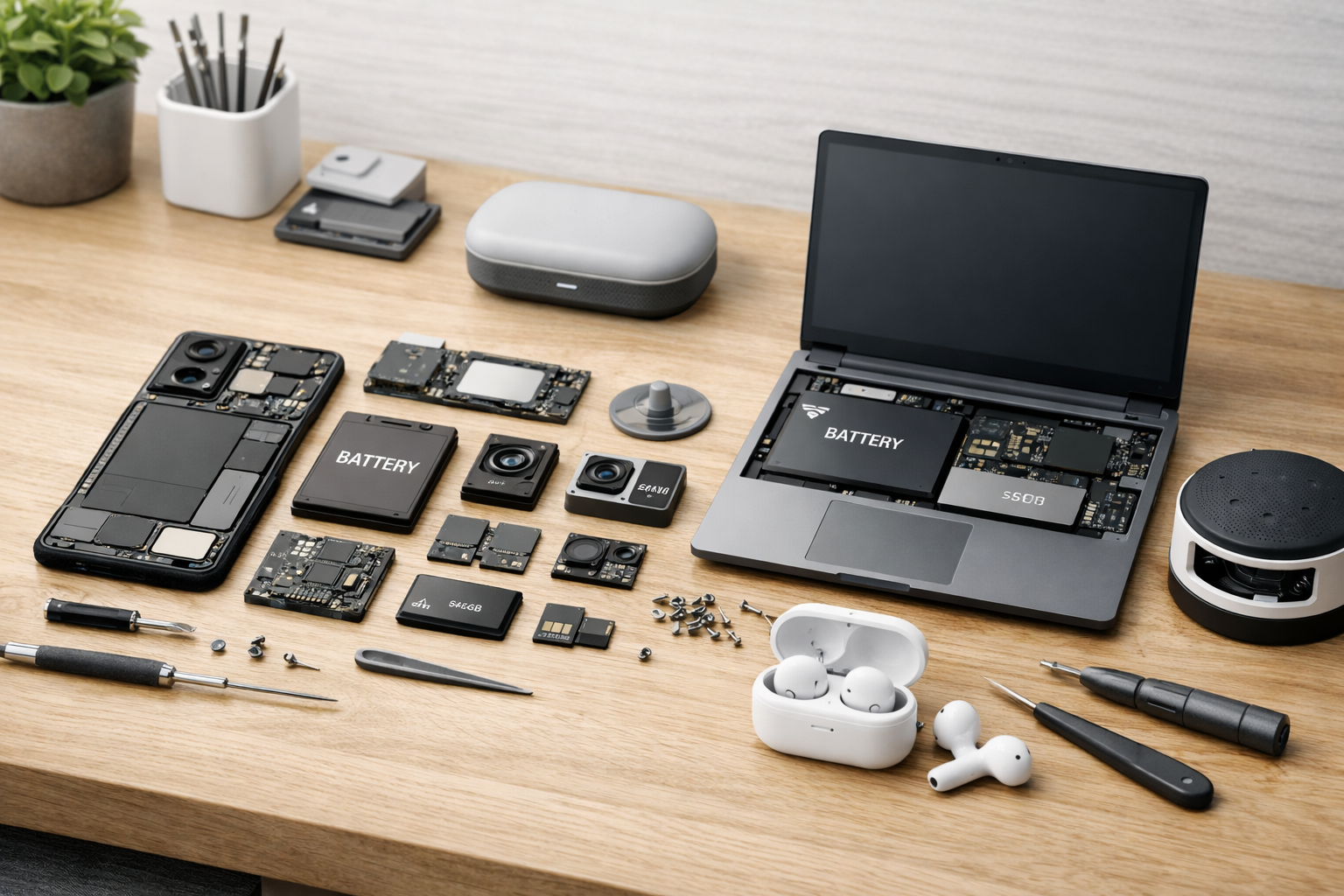
How Modular Electronics Are Making Everyday Devices Easier to Upgrade and Keep Longer
Replace a worn-out part, add new capabilities, and avoid replacing an entire device. Modular design is changing how consumers buy, repair, and use electronics—and it offers a practical alternative to the familiar cycle of replacing products long before every part has reached the end of its useful life.
For years, many consumer devices have been treated as sealed, disposable objects. A battery that no longer holds a charge, a damaged charging port, or storage that fills up can make an otherwise capable phone or computer feel obsolete. In many cases, the underlying processor, display, enclosure, and wireless hardware still work perfectly well. The problem is that a single weak link is difficult, expensive, or impossible to replace.
Modular electronics challenge that model. Instead of designing a product as one tightly integrated unit, manufacturers can build it from components that are meant to be accessed, repaired, upgraded, or exchanged. The result is not necessarily a device that can be rebuilt endlessly, but one that gives owners more useful choices over time.
What Makes an Electronic Device Modular?
A modular device is designed as a system of distinct parts rather than a sealed unit that must be discarded when one component fails. Those parts may be attached with standard screws, clips, pull tabs, sockets, or purpose-built expansion bays. The central idea is straightforward: if a component wears out or no longer meets the owner’s needs, it should be possible to replace that component without replacing everything around it.
Modularity exists on a spectrum. A desktop computer with swappable memory, storage, graphics, power supply, and peripherals is highly modular. A phone with a replaceable battery and screen is partially modular. A fully sealed gadget with no practical path to repair is at the other end of the spectrum. Partial modularity still matters because the parts most likely to fail or age—especially batteries, ports, displays, and storage—can have an outsized effect on a product’s useful life.
The parts that matter most
Common replaceable or upgradeable components include:
- Batteries, which naturally lose capacity after repeated charging cycles.
- Storage drives and memory, which can limit performance as files, applications, and operating systems grow.
- Displays, camera assemblies, keyboards, speakers, and ports, which are vulnerable to wear, drops, spills, and daily use.
- Expansion modules, such as USB ports, card readers, wireless adapters, or specialized input hardware.
- Mainboards or processor modules, which can offer a more substantial upgrade path in selected computers and professional devices.
Key takeaway: replaceable is not automatically repairable.
A product is meaningfully modular only when owners can actually access parts, obtain replacements at reasonable prices, follow accurate instructions, and continue using supported software after the repair is complete.
That last point is essential. A removable battery is helpful, but it does not solve much if compatible batteries vanish after a short time. Likewise, a laptop with a storage slot is easier to upgrade, but its long-term value is limited if firmware updates or operating-system support end prematurely. Hardware design, spare-parts logistics, documentation, and software policy must work together.
Why Upgrades Are Becoming More Practical
Technology needs change gradually for most people. A student may need more storage for coursework. A remote worker might need an additional port for displays and accessories. A hobbyist may want a better camera or more memory for editing media. In a conventional sealed device, those changing needs can push the owner toward a whole new purchase. With modular design, the upgrade can be smaller, more targeted, and easier to budget for.
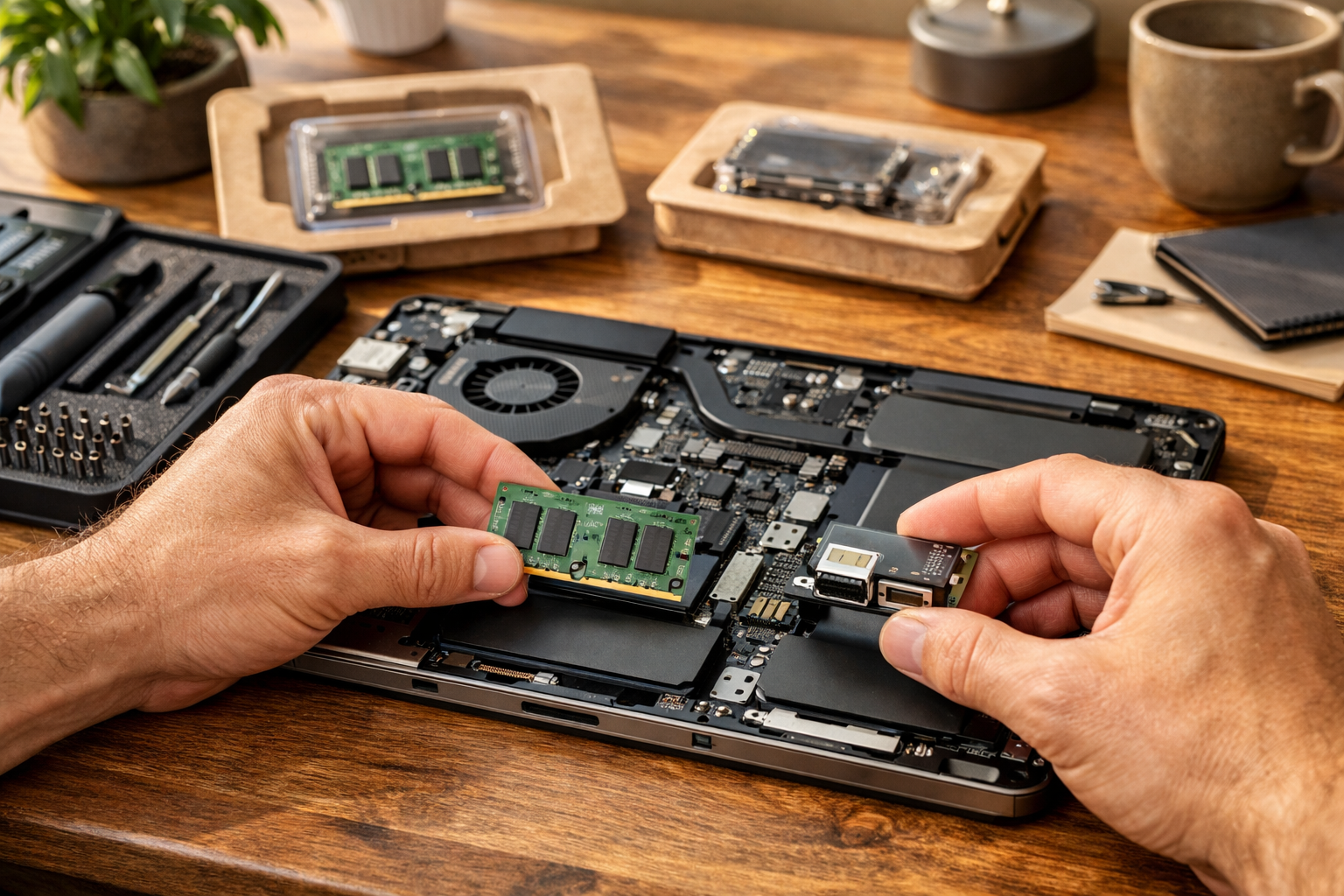
Consider a laptop that remains fast enough for everyday tasks but has limited storage. Replacing or adding a drive can solve the problem for far less than buying a new computer. In a more advanced modular design, the owner may also be able to add memory, replace a worn keyboard, switch port modules, or install a newer mainboard while retaining the display, case, and other working parts.
Upgrading the constraint, not the whole product
The best upgrade is often the one that addresses the actual bottleneck. A device may feel slow because its storage is nearly full, its battery is throttling performance, or its memory is insufficient for current applications—not because every internal component is outdated. Modular products help owners diagnose that constraint and make a more proportionate decision.
- Identify the limitation. Is the problem battery life, capacity, physical damage, connectivity, or computing performance?
- Check compatibility. Verify supported component types, capacities, firmware requirements, and installation guidance.
- Compare the full cost. Include the price of the part, tools, labor if needed, and the expected remaining software-support period.
- Upgrade only what adds value. A targeted repair or component swap may deliver most of the benefit of replacement while creating less waste.
This approach also gives consumers more control over timing. Instead of absorbing the expense of a new phone or laptop all at once, owners can spread costs across several years. A battery replacement this year, a storage upgrade next year, and a performance module later may be easier to manage than a single large purchase.
A useful device does not become useless simply because one component has aged. Modular design turns maintenance and improvement into normal parts of ownership rather than reasons to start over.
There are accessibility benefits as well. People may need devices configured for their specific work, study, communication, or mobility requirements. Expandable ports, replaceable keyboards, larger storage options, serviceable controls, and adaptable accessories can allow a product to evolve alongside its user rather than forcing a disruptive switch to a different model.
Repairability Helps Devices Last Longer
The most immediate advantage of modular design is simpler repair. Batteries degrade. Displays crack. Charging ports wear down. Keyboards suffer spills or heavy use. These failures are common, but they should not automatically end the life of an otherwise functional product. When the affected part can be independently replaced, a repair becomes a realistic alternative to replacement.
Repairability can reduce both downtime and cost. A technician—or, for straightforward tasks, a careful owner—can focus on the failed module rather than spending hours separating glued layers or risking damage to unrelated parts. Service is also easier to quote when replacement components are standardized and clearly identified.
What good repairability looks like in practice
Look beyond marketing terms such as “serviceable” or “built to last.” A repair-friendly product should offer concrete evidence that ownership beyond the warranty period has been considered:
- Accessible fasteners instead of excessive adhesive or permanently welded housings.
- Clear repair manuals with safety information, diagrams, and step-by-step procedures.
- Genuine parts available for a meaningful number of years, with transparent pricing.
- Reasonable access to diagnostic tools, calibration steps, and replacement-part identifiers.
- Battery and display replacements that do not require replacing large, unrelated assemblies.
- Software updates that continue long enough for a repaired device to remain safe and useful.
It is worth distinguishing between easy repair and do-it-yourself repair. Some work involves high-voltage systems, delicate cables, waterproof seals, or battery safety risks and is best handled by a qualified technician. Even then, modular construction helps: it makes professional repair more efficient and can preserve the option of local service instead of requiring a full-device replacement.
Long life depends on more than a screwdriver.
Durable materials, affordable parts, reliable repair instructions, and years of security updates are all necessary. A replaceable component is most valuable when the rest of the product can continue serving its owner safely.
The Environmental Impact of Keeping Electronics in Use
Keeping a device in service for longer can reduce the demand for newly manufactured replacements. Manufacturing electronics requires mined and processed materials, energy-intensive component fabrication, complex global shipping, packaging, and assembly. Those impacts occur before a customer turns on a new product for the first time.
When a repair or upgrade restores several more years of useful life, it can help spread those manufacturing impacts over a longer period. Replacing a battery, display, storage drive, or port module typically uses fewer materials than replacing a full phone, laptop, appliance, or smart device. This is why device longevity is an important part of a more responsible technology strategy.

Modularity supports a circular path
A replaceable module can have several possible next steps. A working part removed during an upgrade may be tested and reused. A damaged component may be refurbished. Materials that cannot be reused can be sent to responsible recycling systems for recovery. This does not eliminate electronic waste, but it creates more opportunities to recover value before a product becomes waste.
The potential is significant because electronic products often contain resources that are costly to extract and difficult to recover once devices are mixed, damaged, or discarded improperly. Extending product life and handling parts responsibly can reduce pressure on the constant manufacture-and-disposal cycle.
Still, modularity is not a complete sustainability solution. A poorly built modular device that fails quickly, ships excessive packaging, or requires frequent proprietary replacements may offer limited environmental benefit. The strongest designs combine repairability with durability, efficient production, restrained packaging, energy efficiency, and collection programs for components that reach their true end of life.
Consumers can also make the environmental benefit more real by maintaining devices carefully: use protective cases when appropriate, avoid extreme heat that accelerates battery wear, keep storage from becoming critically full, install security updates, and recycle unusable parts through reputable channels.
Where Consumers Will See Modular Design First
Modularity is already most familiar in desktop computers, where components have long been designed for replacement and expansion. But the same principles are increasingly relevant across everyday categories. Laptops, smartphones, headphones, smart home products, appliances, and electric mobility devices can all benefit when high-wear parts and likely upgrade points are made more accessible.
Promising categories
- Laptops and desktop PCs: Memory, storage, batteries, keyboards, displays, ports, cooling systems, and sometimes mainboards offer clear opportunities for repair and upgrades.
- Smartphones and tablets: Replaceable batteries, screens, cameras, charging assemblies, and speakers can extend practical ownership significantly.
- Audio products: Earpads, cables, batteries, charging cases, and drivers are common wear points that can be designed for service.
- Smart home hardware: Sensors, hubs, power supplies, mounts, radios, and batteries can benefit from replaceable modules and long-term software support.
- Appliances and mobility devices: Filters, control panels, batteries, motors, wheels, and other consumable or high-wear parts can make repair more manageable.
Not every product can or should be fully modular. Waterproofing, compact size, electrical safety, thermal performance, durability, and cost all involve real engineering trade-offs. A device built for harsh conditions may need tightly sealed components; an ultra-small wearable may have little room for accessible connectors. The important question is not whether every part can be removed, but whether the parts most likely to wear out or fail have a reasonable path to service.
A practical buying checklist
- Can the battery be replaced without destroying the enclosure?
- Does the product use standard screws and clearly accessible internal parts?
- Are spare parts and repair guides publicly available?
- Is there a published repairability score or independent repair assessment?
- Can storage, memory, ports, or other useful components be upgraded?
- How long will the manufacturer provide operating-system and security updates?
- Is there a responsible trade-in, refurbishment, or recycling route for retired parts?
These questions help shift a purchase decision away from a device’s launch-day specifications alone. A slightly less flashy product with a replaceable battery, documented repair path, and strong support commitment may deliver more value over several years than a sealed alternative with similar initial performance.
A Better Ownership Model for Everyday Technology
Modular electronics offer a simple but powerful change in perspective: devices should be maintained, adapted, and improved when practical—not automatically replaced. For consumers, that can mean lower long-term costs, less downtime, and technology that better fits changing needs. For repair shops, it can mean clearer service paths. For the environment, it can mean fewer complete products discarded because of a single worn or broken part.
The most meaningful products will not merely advertise modularity. They will back it up with durable construction, accessible parts, fair replacement pricing, usable documentation, and long-lasting software support. Those details determine whether an upgradeable device remains useful in the real world.
Choose Technology Built for the Long Term
Before replacing an everyday device, check whether a repair, battery replacement, storage upgrade, or modular component swap can give it a useful second life. Buying for longevity today can save money, reduce waste, and keep capable technology working tomorrow.