









How to Automate 80% of Your Job with Google Workspace (and AI Add-ons)
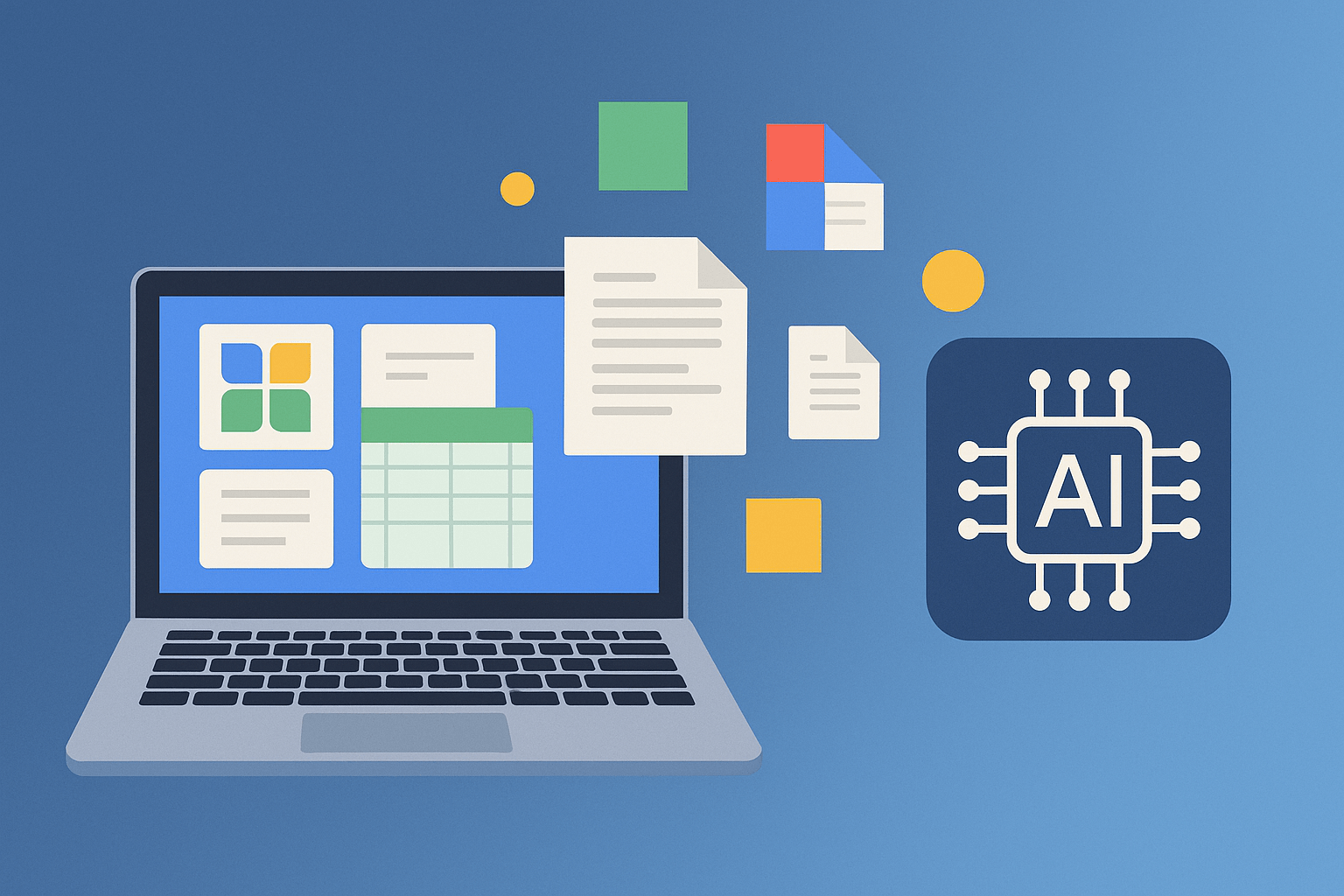
For most professionals, a big part of the workday isn’t deep thinking or strategy — it’s repetitive tasks: cleaning data, answering emails, chasing updates, summarizing notes. In 2025, though, these are no longer inevitable time sinks.
With Google Workspace and a new wave of AI-powered add-ons, you can now automate up to 80% of your daily workflow. The future of work isn’t about working harder — it’s about letting your tools do the work for you.
The Quiet Revolution Inside Google Workspace
Google Workspace isn’t just Docs and Gmail anymore. It’s evolving into an intelligent platform that understands context, predicts your needs, and connects every part of your workflow.
AI features like Gemini are now built directly into Workspace apps — drafting emails, summarizing documents, cleaning data, and even generating slides on command. It’s like having a digital assistant quietly sitting beside you, handling the routine so you can focus on the meaningful.
And if you want to go further, AI add-ons extend these abilities even more. These plug-ins — available directly inside Docs, Sheets, and Gmail — let you generate ideas, summarize data, or trigger automations without touching another app.
Everyday Tasks You Can Automate Right Now
You don’t need to be a coder or an AI expert. Most of what slows you down daily can already be handled with Workspace’s built-in tools or simple extensions.
Here are some automations you can set up today:
1. Auto-Summarize Long Emails
Use Gmail’s AI assistance to generate quick overviews of long email threads. You’ll know what’s important without reading every line.
2. Instant Meeting Notes and Action Items
When you end a Google Meet call, Gemini can summarize discussions, highlight decisions, and even suggest next steps — automatically synced into a shared Google Doc.
3. Draft Replies and Follow-Ups
AI add-ons inside Gmail can write, rewrite, and tone-match your responses. You can even train them on your writing style for a consistent, professional voice.
4. Smart Data Cleanup in Sheets
Tired of messy spreadsheets? AI can fix formatting, spot duplicates, extract insights, or generate formulas for you. With the right setup, even monthly reports can practically write themselves.
5. Project Updates and Approvals
Using simple workflow automations, you can collect feedback from a Google Form, auto-generate a report in Docs, and send it to your manager for approval — all without lifting a finger.
6. AI-Driven Weekly Reports
Connect your Sheets data to Docs templates. AI generates commentary and visual summaries, so your weekly or monthly reports are created automatically. All you need to do is approve and send.
The 80% Rule
When people say they’ve automated “most” of their job, it doesn’t mean they’ve disappeared from work — it means they’ve removed the friction.
AI handles the repetitive groundwork, while humans oversee, edit, and strategize. It’s not about replacement — it’s about augmentation.
If you spend your day sending status updates, formatting reports, or juggling information between apps, automation can realistically cut that workload by 60–80%. And because all of it runs inside Workspace, you don’t need extra platforms or IT support.
Why Google Workspace Is the Perfect Automation Hub
There are plenty of automation tools out there, but Workspace has a few key advantages:
-
Everything is connected — your Docs, Sheets, Gmail, Meet, and Drive talk to each other seamlessly.
-
AI is native — no copying data to third-party apps.
-
It’s secure and cloud-based — everything runs in Google’s ecosystem.
-
It scales easily — perfect for freelancers, startups, or enterprises.
Add-ons and integrations simply extend that foundation — so instead of switching tools, you’re building on what you already use.
Getting Started Is Easier Than You Think
You don’t need to overhaul your workflow overnight. Start small:
-
Pick one pain point — email, reporting, or note-taking.
-
Use an AI feature or add-on inside Google Workspace to automate it.
-
Review the results, refine them, and move on to the next area.
Within a week, you’ll have an invisible layer of automation running in the background — saving you hours every day.
The New Definition of Productivity
Automation isn’t about working less; it’s about freeing your brain for higher-value thinking. It’s the difference between writing reports and interpreting them, between taking notes and making decisions.
With Google Workspace and its ecosystem of AI extensions, you can finally design a workday where most of your “busy work” runs itself — and you focus on the creative, strategic, and human side of your job.
🚀 Start Automating with Google Workspace Today
You don’t need to be a tech expert to start automating your workflow. Google Workspace already has everything you need — intelligent apps, seamless integration, and AI that learns from your patterns.